
EMPLOYEE PASSPORT / CASES & TASKS
Bring workplace cases and everyday actions into the same Hub as your people records. Give your managers a clearer place to see what needs doing, who is involved and what happens next.

Keep case activity connected with the employee information and documents that support it.
Bring actions and follow-up into one place, so the next step is easier to find.
Use the Hub’s views and available reporting tools to understand the work that needs attention. Your demo will confirm the reports relevant to your process.
Workplace issues can move between managers, advisers and several documents. Bringing the relevant records and follow-up into the Hub helps the people involved keep track of the practical work as the situation develops.
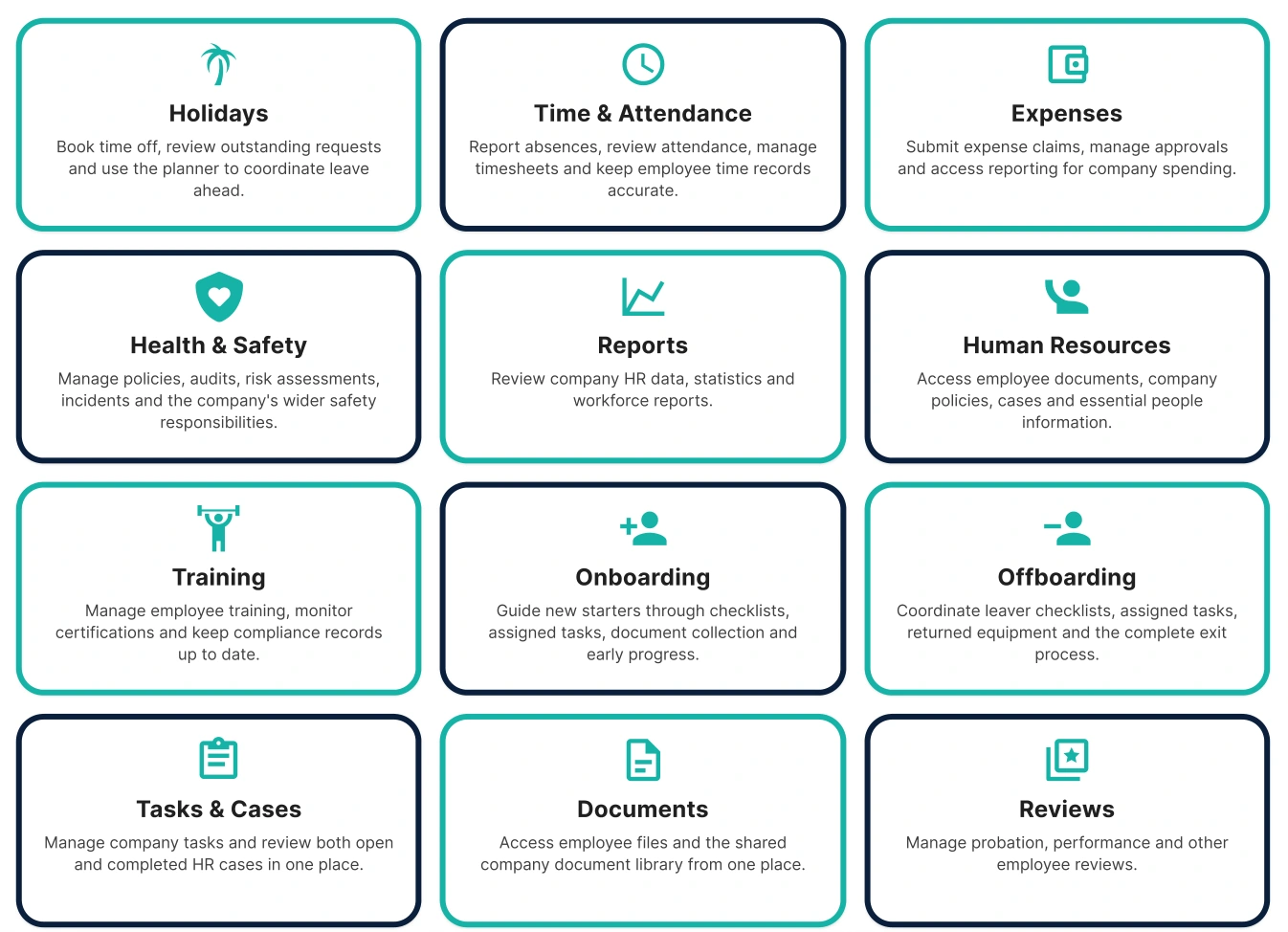
Actual EPL Hub screen. Book a demo to explore the tools for your process.
Set out the situation and the work that needs to happen next.
Agree the tasks and responsibilities, with supporting records kept together.
Review progress and keep the next step clear as the situation changes.
A case is more than a record on a screen. When a situation needs HR or Health & Safety expertise, our advisers work through it with you and for you. The Hub supports the follow-through; the people help solve the puzzle.
Yes. Cases and tasks sit alongside the Hub’s employee, document and other workplace tools. Your demo will cover the modules you need.
Yes. Bring examples of the actions and follow-up you want to organise and we will show the available workflow.
Yes. Ask about hands-on HR or Health & Safety support. We will agree the advisory scope separately from the software setup.
Yes. Tell us what your managers currently track and we will shape the demo around your use case.
Tell us what your managers need to see. We will show the available views and reports in your demo and confirm the modules and setup included in your proposal.
For wider workplace context, read Acas guidance on discipline and grievance. Bring questions about your own process to the demo so we can show the relevant Hub tools.
Book a free walkthrough and bring the workplace process you want to make simpler.
We use essential cookies to keep this website working. With your permission, we also use Google Analytics to understand website use and Google Ads to measure advertising responses. Choose Accept all, Reject optional, or View preferences. You can change your choice at any time using Cookie settings.